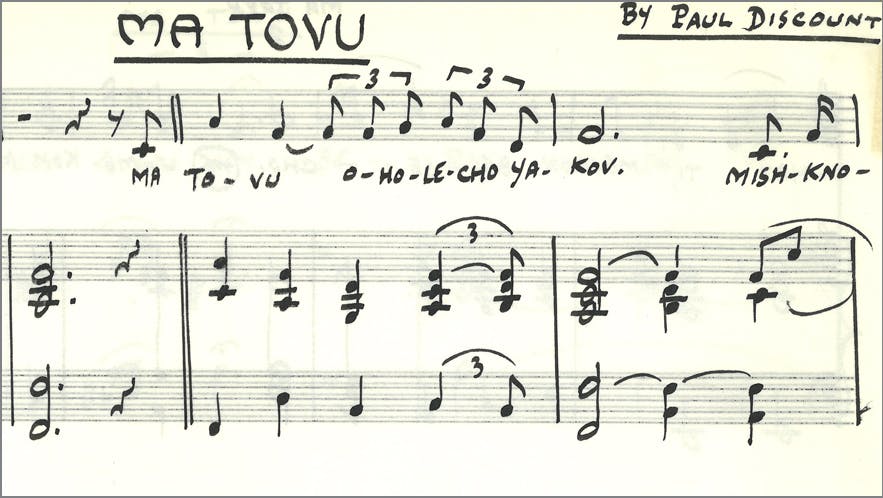
A leader in championing Jewish music and supporting Jewish community: Julius Blackman Jewish Music collection is now open for research
Story
Search gives results from this site, catalog, articles+, guides, online exhibits, and EarthWorks.

Stanford Libraries presents The New Deal & The Federal Writers' Project | Selections from the Bruce and Rachel Jeffer Collection, on view May 6, 2024, through January 26, 2025, in the Peterson Gallery and Munger Rotunda, Cecil H. Green Library, Bing Wing.
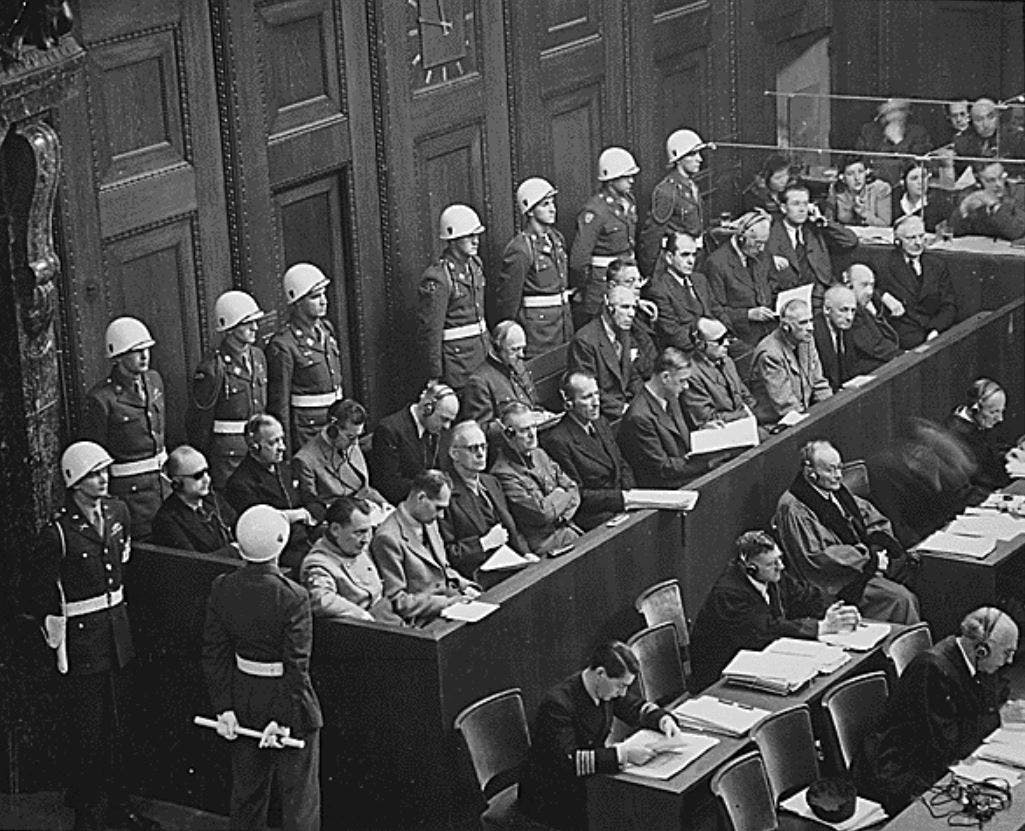
The Taube Archive of the International Military Tribunal at Nuremberg, 1945-1946 (IMT) is now available as the result of a partnership between the Stanford Libraries and the Stanford Center for Human Rights and International Justice.
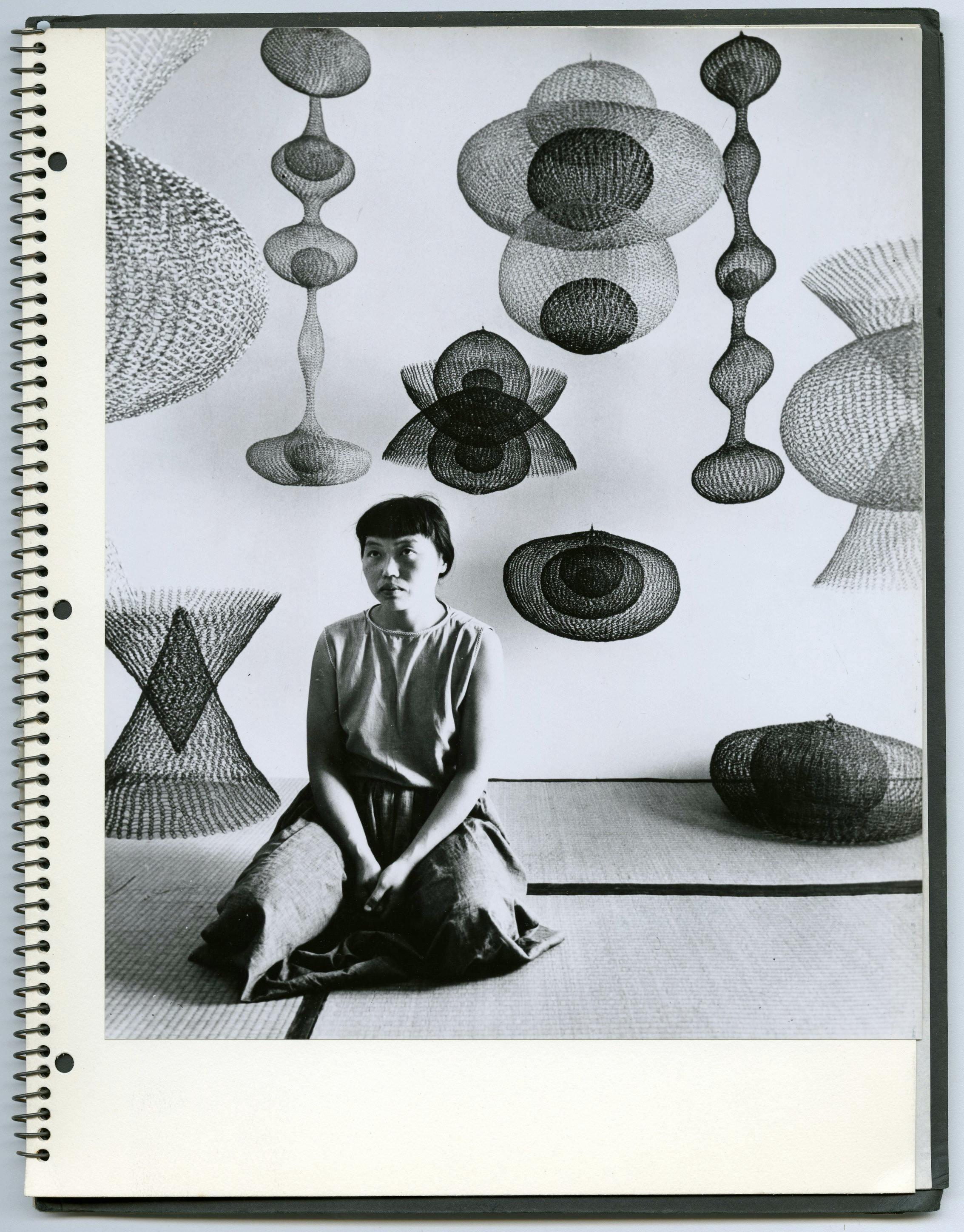
The papers of Japanese American artist and educator Ruth Asawa document her art as well as her involvement in arts education, civic art, and arts administration. The collection contains correspondence, notes, portfolios, publicity, articles and publications, design sketches, photographs, and audiovisual media.
This collection contains Moore’s Intel lab notebooks, personal and business correspondence, Intel presentations, memos and white papers, personal notes from meetings, greeting cards, photographs, cassette tapes and videos. The materials date from 1958 to 2005, but the majority dates from 1968 to 1999.
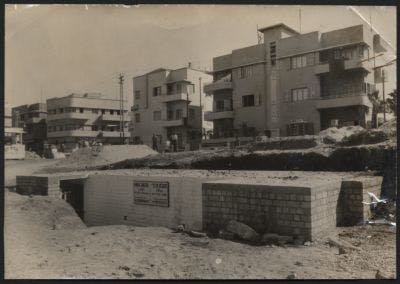
Assembled over a span of forty years by Eliasaf Robinson, a Tel Aviv native and Israel's most prominent antiquarian bookseller, this collection comprises a rich trove of books, pamphlets, magazines, printed ephemera, posters, postcards, photographs, maps, architectural plans, and original documents about the early history of Tel Aviv, "the First Hebrew City."
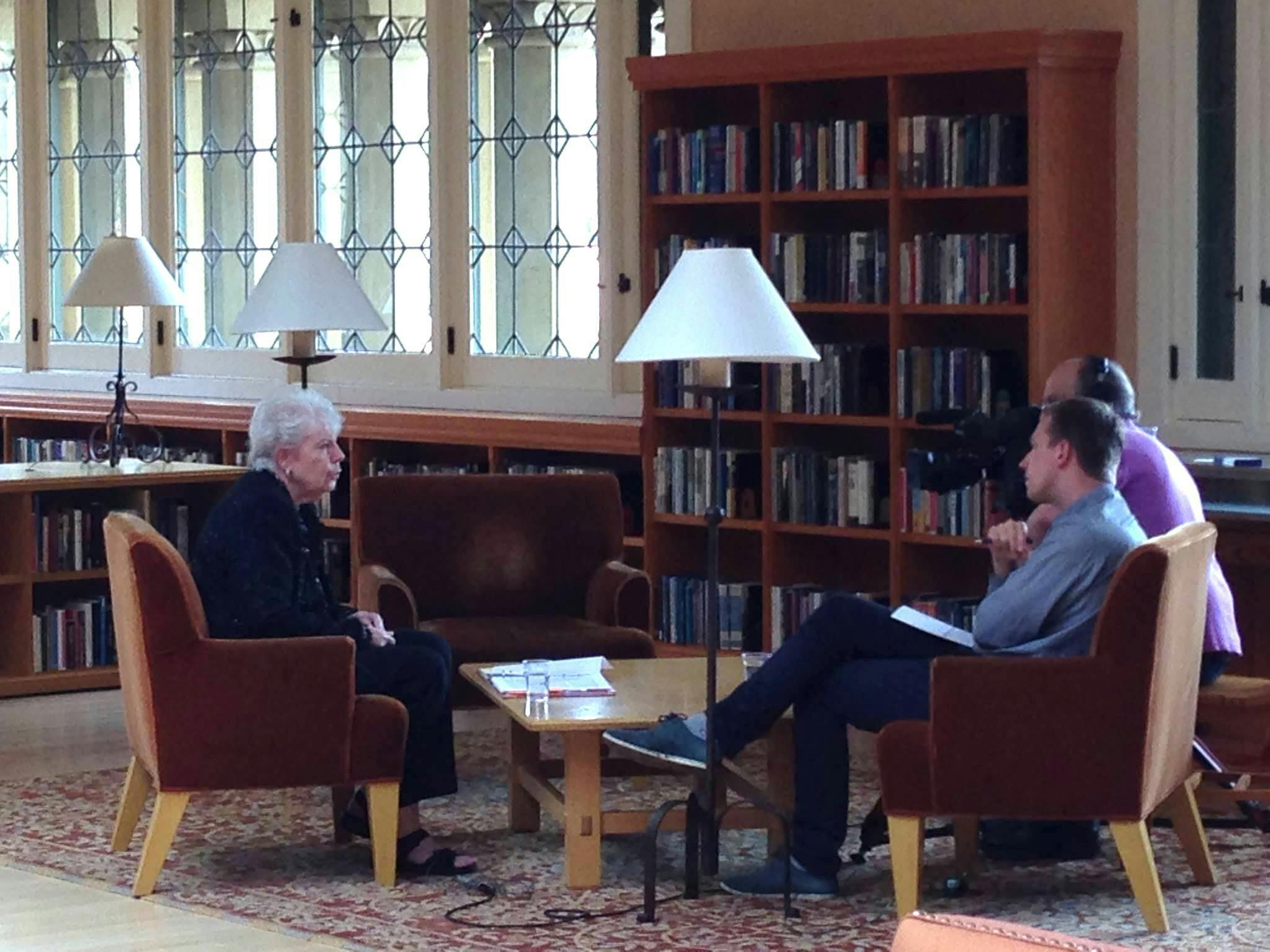
Explore this collection of oral history interviews with members of the Estonian diaspora who have lived under or fled from the Soviet and/or German occupation in Estonia.
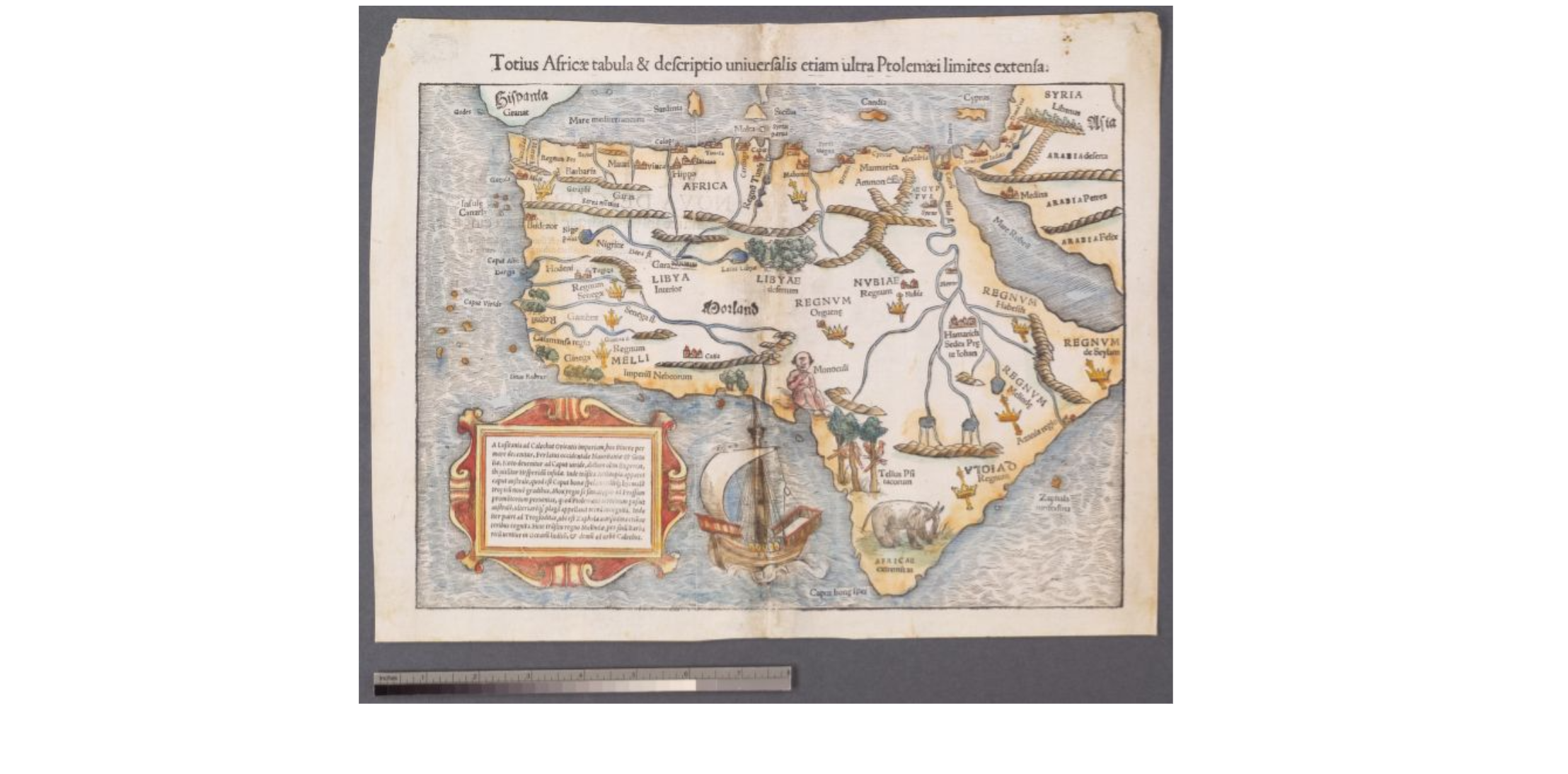
Stanford Libraries is home to a strong collection of maps of Africa, including maps donated by Oscar I. Norwich and Caroline Batchelor as well as maps from the Barry Lawrence Ruderman Collection, the University of Cape Town Collections, and the David Rumsey Map Collection.
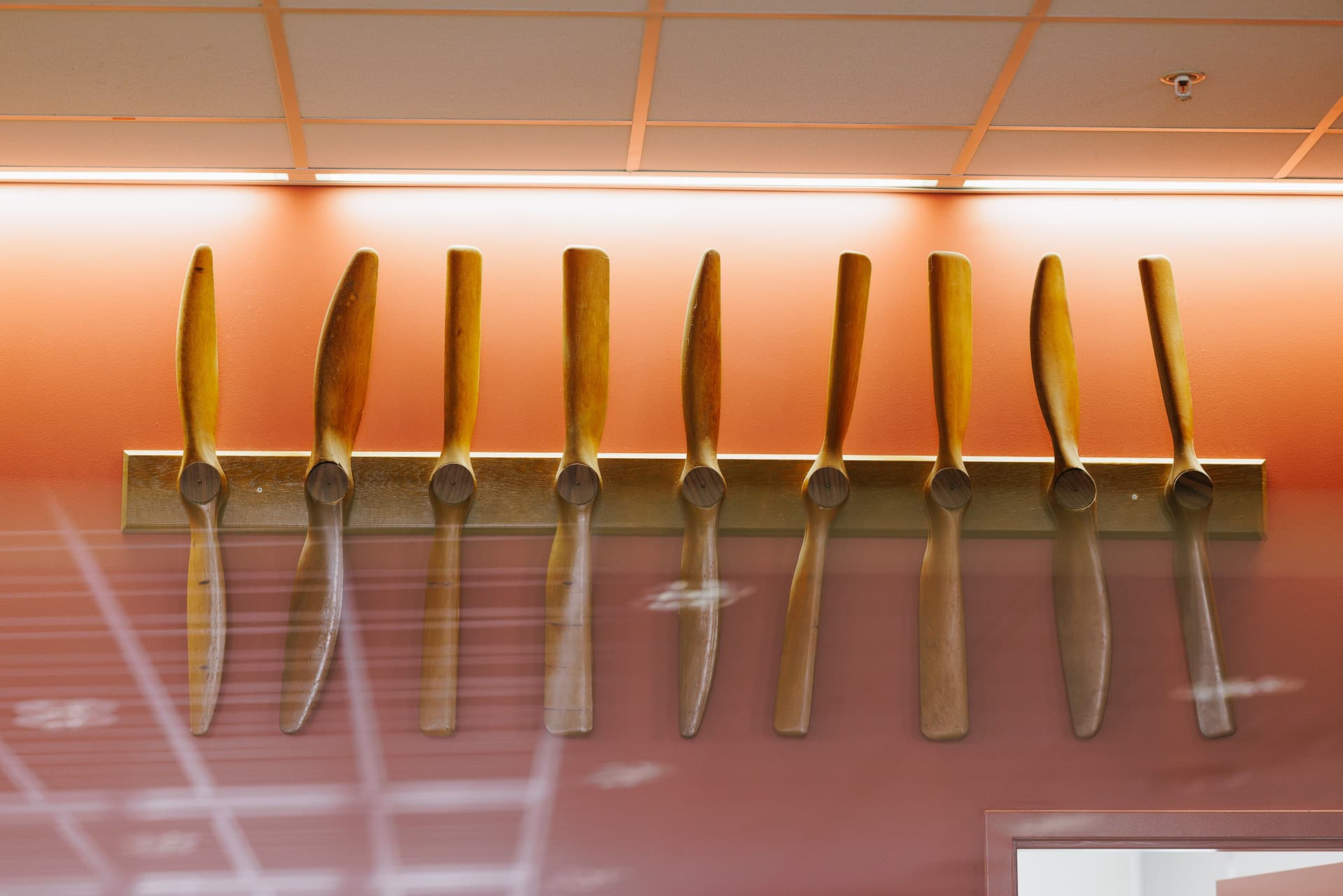
The Durand-Lesley propellers in the Terman Library are the surviving artifacts of a famous experiment in early aviation history which defined a process method in engineering research still in use today.
Stanford University is committed to providing an online environment that is accessible to everyone, including individuals with disabilities.
Having trouble accessing any of this content due to a disability? Learn more about accessibility at Stanford and report accessibility issues.